Less collecting between sites
Build the scope around bringing agreed device records into one place, instead of asking each site to prepare another file.
Garatropic Konnekt · Attendance records
Chasing attendance files from different sites before payroll? Konnekt is attendance integration software designed to bring clock-in records together for your HR team to check and export. We plan the installation in your own cloud account, with equipment and scope checked before quoting.
Based in Nairobi, Kenya · Enquiries welcome worldwide
LESS CHASING. CLEARER RECORDS.
Build the scope around bringing agreed device records into one place, instead of asking each site to prepare another file.
Define how your team finds an employee’s clock-ins, checks device uploads and reviews unknown employee numbers or failed transfers.
Agree an export your team can check before using it in attendance or payroll work. People keep responsibility for corrections and pay decisions.
FROM CLOCK-IN TO REVIEW
In this fictional example, a field employee clocks in at 07:42 East Africa Time. The machine sends its saved records at 09:10 after reconnecting. The clock-in should still show 07:42.
The equipment assessment and pilot establish how this works for your machines. A missing upload needs investigation; it does not establish absence.
Read the attendance setup and acceptance guideCheck how the machine stores and sends its original records.
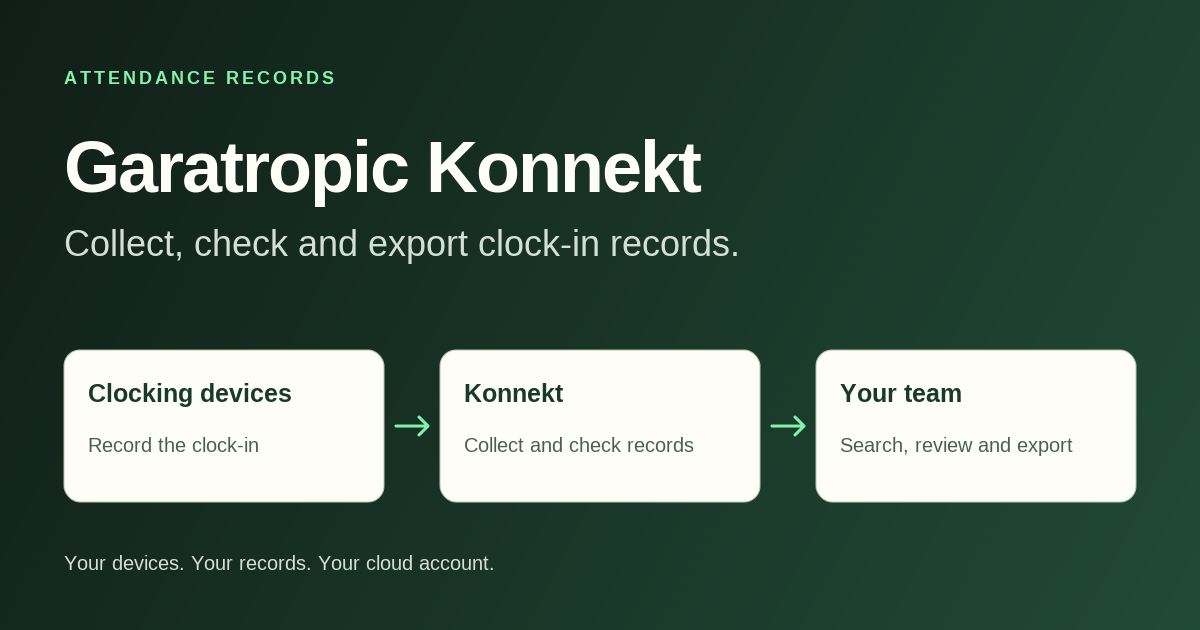
Bring agreed records together and keep unknown employee numbers or failed work available for review.
Review the records, resolve exceptions and download the agreed spreadsheet file.
Deliver records to an authorised HR or ERP system after that connection has been tested.
START WITH WHAT YOU HAVE
Tell us what slows down attendance preparation today. We check your clocking machines, sites and HR software, then explain what can be connected and what else the installation would need.
ZKTeco S922 terminals are one assessment example. The manufacturer’s specifications describe available interfaces; compatibility with your proposed installation still needs testing.
Explore equipment assessment examplesA DEFINED FIRST INSTALLATION
Work through the attendance problem, check the equipment and agree records, responsibilities, costs and acceptance checks in writing.
Test one site or device group with your team. Compare device records, received records and exports, including interrupted connections and repeated uploads.
Resolve gaps before wider use. Hand over access, operating instructions and recovery steps, with named owners for maintenance and exceptions.
Judge the pilot by whether records agree, exceptions can be resolved and HR spends less time gathering files. Agree the comparison period and acceptance criteria before work begins.
UNDERSTAND THE FULL COST
Your quote separates the software, installation and running costs. There is no standard price before we assess the equipment and workflow.
A perpetual licence covers the purchased version; it does not include every future update or ongoing operations. We agree who handles monitoring, maintenance, backups and restoration before handover.
The installation model uses your cloud account. Agree who can view and export employee records, how long they are kept and who handles corrections. Hosting and backup locations and any support access belong in the proposal. Customer hosting alone does not establish data residency or compliance.
BEFORE YOU ENQUIRE
We start by checking what you have. Share the make and model if you know them; a photo of the model label can help. We check the available records, connection options and any extra equipment or vendor charges before confirming the installation scope. A brand name alone does not establish compatibility.
Tell us how many sites and machines are involved, who needs the records and how each site connects to the internet. We agree the device and employee identifiers across sites, then test one site or device group before expanding the scope.
The assessment checks whether your exact machine stores records while offline and can send them after reconnecting. The pilot must check original clock-in times, repeated uploads and any missing records. An internet connection returning does not by itself prove that every record arrived.
The attendance scope is clock-in records for review and export. HR keeps responsibility for shifts, leave, corrections and pay decisions. Delivery to ERPNext or another HR system is quoted separately after checking the software, employee matching and permissions.
The installation model uses your own cloud account, with one isolated installation for your business. The proposal sets out hosting and backup locations, administrator access and any authorised support access. Hosting costs continue separately from the software licence.
Garatropic scopes the equipment checks, installation, pilot, instructions and handover. Your proposal names who monitors failed transfers, maintains the software, checks backups and restores records. Optional support has written responsibilities and response arrangements.
Pricing follows the equipment and workflow assessment. Describe what takes too much time, how many sites need records and which HR or payroll software you use. Include machine models if known. We separate the licence, setup, hardware, hosting, updates, support and any onward integrations in the quote. No technical brief is needed.
START WITH THE ATTENDANCE PROBLEM
Tell us about the files you chase, the sites involved and the software HR uses. Include machine models if known. We’ll assess the fit and explain the scope and costs.
Your first conversation is free. We reply within two business days. No technical brief is needed.