RECEIPT MANAGEMENT
Make receipt handover easier for your accountant
Give your accountant reviewed receipt data, the original sources, and a clear question list so they can focus on records that need professional judgement.

Your accountant should not have to become a detective before they can become your accountant. Yet the handover often begins with a folder containing 60 receipt photos named with strings of numbers. Some files appear twice. One total does not match the transaction list, and several purchases have no business purpose.
A better handover does not require a complicated finance system. It needs three clear items: reviewed receipt data, the original source documents, and a short list of questions that are still open.
Snapsheet can prepare standard Kenyan KRA ETR and eTIMS receipt details for review and export. Your team remains responsible for checking the records and adding business context. Your accountant remains responsible for professional decisions such as deductibility, VAT treatment, and account classification.
The distinction is important. Organising the facts is your team's work; deciding their accounting treatment is the accountant's work. A good handover helps both sides spend time on the part that actually needs their judgement.

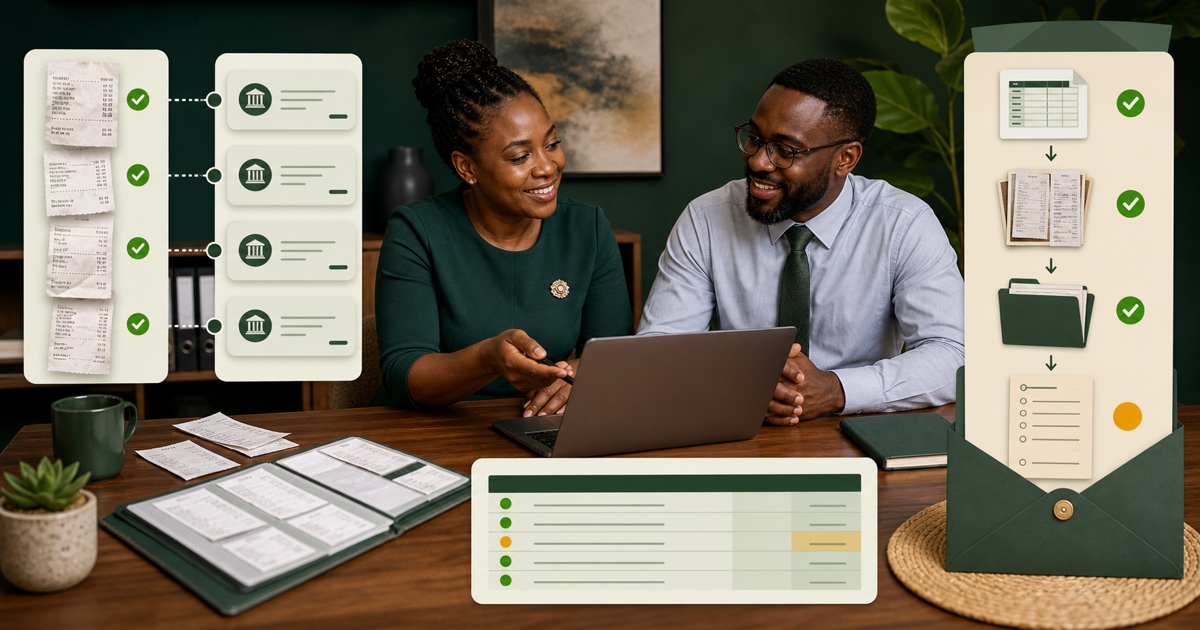
Illustration: unnamed files, duplicates, and missing details create month-end back-and-forth. Checked receipt data makes the questions visible.
This is part three of a three-part receipt workflow. If receipts still arrive in a month-end pile, first fix the weekly receipt chase.
Quick answer for a busy owner
- Agree first: confirm the period, file format, and sharing method with your accountant.
- Close the period: gather receipts, transaction records, and expense notes up to one cut-off date.
- Reconcile: match relevant transactions with receipt records and business context.
- Review: recheck large totals, cut-off dates, duplicates, VAT fields, and unclear sources.
- Hand over: send the reviewed export, source documents, and open-question list together.
- Improve: use repeated questions to strengthen next month's collection process.
Your goal is not to make every accounting decision before the handover. It is to organise the facts so your accountant can see what is ready and what still needs judgement.
Why a folder of receipt images is not enough
A source image proves that a document exists, but it may not tell the accountant who made the purchase, why it belongs to the business, whether it was entered twice, or which reporting period it belongs to.
When those gaps are hidden, the accountant must discover them one by one. The owner then searches WhatsApp, email, bank records, mobile-money records, card statements, and staff memories while other month-end work waits.
A clear handover moves that discovery into a short internal review. Questions still exist, but they arrive as a visible list instead of an unexpected chain of calls and messages.
Step 1: Ask your accountant what they need
Do this before preparing the export. Different accountants and bookkeeping processes require different formats. Ask:
- Which dates and transaction types should we include?
- Do you want Excel, CSV, an audit-pack PDF, or a combination?
- Do you need the original receipt images or PDFs as separate files?
- Should records be grouped or filtered by month, category, tag, branch, or project?
- How should we identify late documents and missing information?
- What is the approved and secure way to share the files?
Write down the answer as a small repeatable handover checklist. Do not assume that a format accepted last year is still the preferred one.
Snapsheet does not ask users to choose extraction fields. Its Excel and CSV exports include every receipt field it holds. Filters or individual record selection determine which receipts go into an export.
Step 2: Close the reporting period
Choose a clear cut-off date and collect the records up to that point:
- receipt photos and original PDFs;
- the reviewed Snapsheet records;
- relevant bank, card, cash, or mobile-money transaction lists;
- purchaser names and business-purpose notes; and
- any existing expense or project records.
Keep receipts received after the cut-off visible and separate. Ask your accountant how to handle them rather than silently adding them to a closed period or leaving them out.
Give the period a consistent name, such as 2026-08-receipt-handover. Use the same name for the export, source folder, and question list so the package remains understandable after it leaves your desk.
Step 3: Reconcile receipts with business transactions
Work through the transaction list and receipt list together. For each relevant transaction, ask:
- Is there a corresponding receipt record and source document?
- Do the merchant, date, and amount make sense together?
- Is the business purpose recorded?
- Is the same receipt or transaction represented twice?
- Is there a receipt that cannot be matched to a transaction?
Do not delete an item simply because you cannot explain it. Add it to the open-question list, name the person who may know the answer, and show what information is missing.
This is a completeness check, not an accounting judgement. A matched receipt is not automatically deductible, and a VAT amount shown on a receipt is not automatically claimable. Your accountant decides the appropriate treatment.
Build the question list while you reconcile
Do not wait until the end and try to remember every issue. Add each exception to a small table or document as soon as you find it. Use columns such as:
- receipt or transaction reference;
- date and amount;
- what has already been checked;
- the exact missing answer;
- person responsible;
- follow-up date; and
- status.
A useful entry might read: “Supplier receipt, KSh 18,450, dated 24 August — source found and total checked; purchaser has not confirmed the project; assigned to Amina; answer due 30 August.”
That is easier to act on than “please explain expenses.” It also prevents two people from asking the same question in different WhatsApp threads.
Keep accounting questions separate from missing business facts. Your employee may know which project used the materials, while your accountant should decide how the transaction is classified.
Step 4: Review the extracted details against every source
Use Snapsheet to prepare the fixed set of KRA-ready receipt fields, including merchant information, dates, totals, VAT, line items, ETR identifiers, KRA PINs, and verification details where present.
Treat that information as a draft. Compare it with the receipt image or PDF and pay particular attention to:
- large totals and misplaced decimal points;
- dates close to the reporting cut-off;
- repeated merchant, date, and total combinations;
- unclear VAT, KRA PIN, invoice, or ETR fields;
- line items needed to explain the purchase; and
- cropped, faded, or low-quality source images.
Add categories, tags, purchaser details, or business context your team needs. If a value cannot be confirmed, do not guess. Mark it for follow-up.
Step 5: Prepare the three-part handover
Send these items together through the method agreed with your accountant:
- Reviewed export: an Excel or CSV file containing the selected receipt records and every field Snapsheet holds.
- Source documents: the original receipt photos and PDFs, or an agreed audit-pack PDF containing the scans.
- Open-question list: missing receipts, unclear details, possible duplicates, late documents, and matters requiring accounting judgement.
Keep the question list short and specific. “Need help” gives the accountant more work. “Fuel receipt dated 27 August: purchaser confirmed, vehicle not confirmed” shows what has been checked and what answer remains.
Snapsheet prepares the records. It does not file a KRA return, guarantee the accuracy of every extracted value, or decide tax and accounting treatment.
Use a folder structure another person can understand
The accountant should not need the person who created the folder to explain it. A simple monthly structure could be:
2026-08-receipt-handover/
  01-reviewed-export/
  02-source-receipts/
  03-open-questions/
  04-late-receipts/
Use ordinary names rather than internal abbreviations only one employee understands. If source files are renamed, keep enough information to connect each document with the corresponding record without exposing unnecessary personal information.
Open the package as if you were receiving it for the first time. Can you identify the period, find the reviewed export, locate a source receipt, and see which questions remain? If not, simplify the structure before sending it.
Step 6: Add a simple cover note
Include a short message that tells the accountant what is inside the package:
Period: 1–31 August 2026
Reviewed receipt records: 54
Open questions: 5
Late receipts held separately: 2
Reviewed by: [name]
Files included: Excel export, source receipt folder, question list
Use your real counts and the terminology agreed with your accountant. The cover note lets them confirm quickly whether every expected part arrived.
Keep a copy of what you sent and record the handover date. Follow your accountant's advice and company policy for secure sharing and document retention.
Give the owner a final five-minute review
The owner does not need to redo the administrator's work. Before the package leaves the business, check the controls that carry the most risk:
- Does the date range match the agreed period?
- Do the export count, source count, and question count make sense together?
- Have unusually large or unfamiliar purchases been explained?
- Are unresolved records visible instead of silently removed?
- Is the package going through the approved sharing method?
Record who completed the detailed review and who approved the handover. In a very small business, this may be the same person. The checklist still helps prevent the final send from becoming an unstructured rush.
Step 7: Use the questions to improve next month
The open-question list is also a process report. Look for patterns:
- Many unreadable photos mean the capture checklist needs work.
- Missing business purposes mean submitters need a clearer instruction.
- Repeated files mean duplicate checks should happen weekly.
- Late receipts mean the submission deadline or owner is unclear.
- Unmatched transactions mean the reconciliation step started too late.
Choose one repeated issue and fix it before the next period. A good receipt process is not one that produces a larger spreadsheet. It is one that gives your accountant checked facts, visible exceptions, and fewer reasons to chase the business for basic information.
What a better handover should change
After two or three periods, compare the process with the old approach. Look for fewer requests for source files, fewer unidentified purchases, fewer duplicate questions, earlier discovery of missing receipts, and less owner time spent reconstructing routine transactions.
Ask your accountant one direct question: “What should we change next month to make these records easier to use?” Their answer is more valuable than adding columns or reports nobody requested.
The handover is successful when the accountant can move quickly to the work that needs professional judgement and the business can answer remaining questions from organised records rather than memory.
In my view, “no questions from the accountant” is not the right target. Some questions genuinely need professional judgement. The better target is no avoidable mystery: every source is findable, every gap is visible and every open question has reached the right person.
If your handover still begins with loose receipts and manual typing, return to part one: reduce manual receipt entry.